STEP 1
Reset your password
Note: this MUST be the email address used when you signed up to the gym. If this doesn't match, it will fail and you will not receive the password reset link in your email inbox
STEP 2
Install the Gym Master App
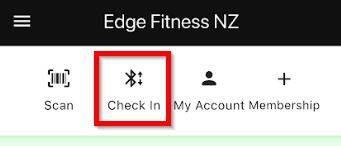
Once you get logged in, you will see "Check In"
This is how you unlock the door. (note: the first time you press Check In, it will prompt for permission to use Bluetooth, This MUST be ALLOWED or you will not be able to unlock the gym)